9 Best SEO Report Software for Agencies & Consultants (2026)
Tested and compared: the 9 best SEO reporting tools in 2026. Covers AgencyAnalytics, Semrush, SE Ranking, DashThis, Whatagraph, Databox, Looker Studio, Ahrefs, and CrawlRaven, with pricing, white-label features, and recommended stacks.
The 9 best SEO report software in 2026 fall into three categories.
- Dedicated reporting dashboards: AgencyAnalytics at $79/mo (Reddit's #1 pick), DashThis at $49/mo for simplicity, Whatagraph at $199/mo for agencies, Databox at $59/mo for real-time.
- All-in-one SEO platforms with reporting: Semrush at $139/mo, SE Ranking at $129/mo, Ahrefs at $129/mo.
- Specialized tools: Google Looker Studio for free DIY, CrawlRaven at a launch price of $49 for technical audit reports.
The ideal agency stack: a data source (Semrush or Ahrefs), a reporting layer (AgencyAnalytics or DashThis), and CrawlRaven to join that data to Search Console and turn it into the ranked plan you actually work from.
We tested 9 SEO reporting tools across white-labeling, automation, integrations, ease of use, and value. Reporting tools show clients what happened; none of them produce the plan for what comes next. The agency favorite is AgencyAnalytics ($79/mo). For technical audit reports, CrawlRaven is $49 at launch. Try CrawlRaven free: 1 site, no credit card →
SEO report software automates the process of pulling data from multiple sources (Google Search Console, Google Analytics, crawl tools, rank trackers), and presenting it in a format clients and stakeholders can understand. The best tools save agencies 4–8 hours per client per month on reporting, while delivering branded, professional deliverables that justify retainer fees.
We tested 9 SEO reporting tools across five dimensions: white-label quality, automation depth, data integrations, ease of use, and value for money. This guide covers honest pricing, real capability gaps, and recommended tool stacks, plus what the agency community on Reddit actually uses.
The three categories of SEO report software
SEO reporting tools fall into three distinct categories, and most agencies need at least two:
- Dedicated reporting dashboards (AgencyAnalytics, DashThis, Whatagraph, Databox): Built specifically for client-facing reports. Best white-labeling, most integrations, strongest automation. Don't generate SEO data. They pull it from other tools.
- All-in-one SEO platforms with reporting (Semrush, SE Ranking, Ahrefs): Generate SEO data AND include reporting features. Convenient if you only need one tool, but reporting is secondary to their core function.
- Specialized tools (Google Looker Studio, CrawlRaven). Looker Studio is the free, DIY option. CrawlRaven generates technical audit reports with health scores and prioritized fix lists.
Understanding which category you need is the first step to choosing the right tool. Most agencies combine a data source (category 2) with a reporting layer (category 1) and a technical audit tool (category 3).
Infographic
SEO Report Software Compared
9 tools scored across 5 reporting dimensions (0–100)
| Tool | White-Label | Automation | Integrations | Ease of Use | Value/Dollar |
|---|---|---|---|---|---|
1. AgencyAnalytics Reporting Dashboard · From $79/mo | 95 | 90 | 92 | 88 | 72 |
2. Semrush All-in-One SEO · From $139/mo | 75 | 70 | 85 | 70 | 65 |
3. SE Ranking All-in-One SEO · From $65/mo | 80 | 75 | 70 | 82 | 90 |
4. DashThis Reporting Dashboard · From $49 one-time | 90 | 85 | 80 | 95 | 78 |
5. Whatagraph Reporting Dashboard · From $199/mo | 92 | 88 | 75 | 85 | 60 |
6. Databox Dashboard & Alerts · From $59/mo | 70 | 82 | 88 | 80 | 75 |
7. Looker Studio Free Dashboard · Free | 40 | 50 | 70 | 45 | 95 |
8. Ahrefs SEO Data Platform · From $129/mo | 30 | 40 | 60 | 75 | 60 |
9. CrawlRaven Technical Audit · From $49 at launch | 90 | 92 | 65 | 85 | 88 |
CrawlRaven: Best SEO Report Software Compared (2026)
Quick comparison: all 9 tools at a glance
| Tool | Category | Price | White-Label | Auto Reports | SEO Data | Best For |
|---|---|---|---|---|---|---|
| AgencyAnalytics | Reporting | $79/mo | ✓✓ | ✓✓ | Via integrations | Multi-client agencies |
| Semrush | All-in-One | $139/mo | ✓ | ✓ | ✓✓ | Full SEO + reporting |
| SE Ranking | All-in-One | $129/mo | ✓ | ✓ | ✓✓ | Budget all-in-one |
| DashThis | Reporting | $49/mo | ✓✓ | ✓✓ | Via integrations | Simple dashboards |
| Whatagraph | Reporting | $199/mo | ✓✓ | ✓✓ | Via integrations | Enterprise agencies |
| Databox | Dashboard | $59/mo | ✓ | ✓ | Via integrations | Real-time monitoring |
| Looker Studio | Free DIY | Free | ✗ | ✗ | Via connectors | Budget / technical users |
| Ahrefs | SEO Data | $129/mo | ✗ | Partial | ✓✓ | Backlink + rank data |
| CrawlRaven | Audit Reports | $49 at launch | ✓✓ | ✓✓ | ✓ (Audit) | Technical SEO audits |
1. AgencyAnalytics: Best for multi-client agencies
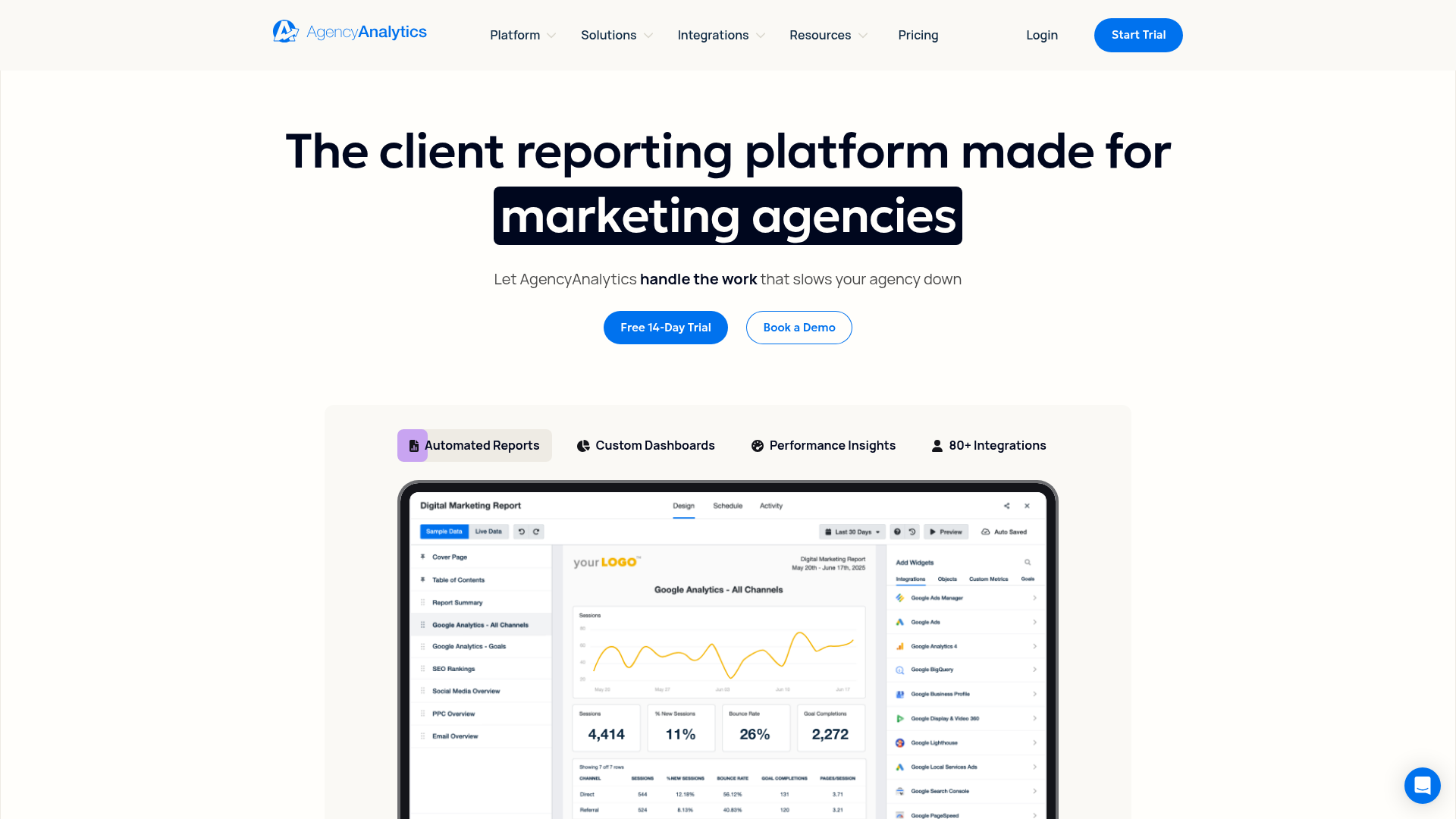
AgencyAnalytics is the most frequently recommended SEO reporting tool on Reddit's agency communities, and for good reason. It was built from the ground up for agencies managing 10+ clients, with dedicated features for white-labeling, automated report scheduling, and per-client dashboards.
Key strengths
- 80+ integrations: Pulls data from Google Analytics, Search Console, Semrush, Ahrefs, Moz, Facebook, Instagram, Google Ads, and dozens more into unified dashboards
- Best-in-class white-labeling: Custom domain, logo, colors, and email sender. Reports look like they come from your agency, not a third-party tool
- Automated report scheduling: Set reports to send daily, weekly, or monthly. Clients get branded PDFs without you touching anything
- Built-in rank tracker and site auditor: Basic rank tracking and technical audits included, so you may not need a separate tool for simpler clients
- Staff and client logins: Give clients view-only dashboard access while your team sees all accounts
Limitations
- Per-client pricing ($16–20/client/month) gets expensive at 50+ clients
- Built-in SEO audit is basic compared to dedicated audit tools
- Report templates are good but customization has limits for complex layouts
- No content optimization or keyword research features
Pricing: Freelancer $79/mo (5 clients) · Agency $179/mo (10 clients) · Enterprise custom. Per-client add-ons available.
2. Semrush: Best all-in-one SEO platform with reporting
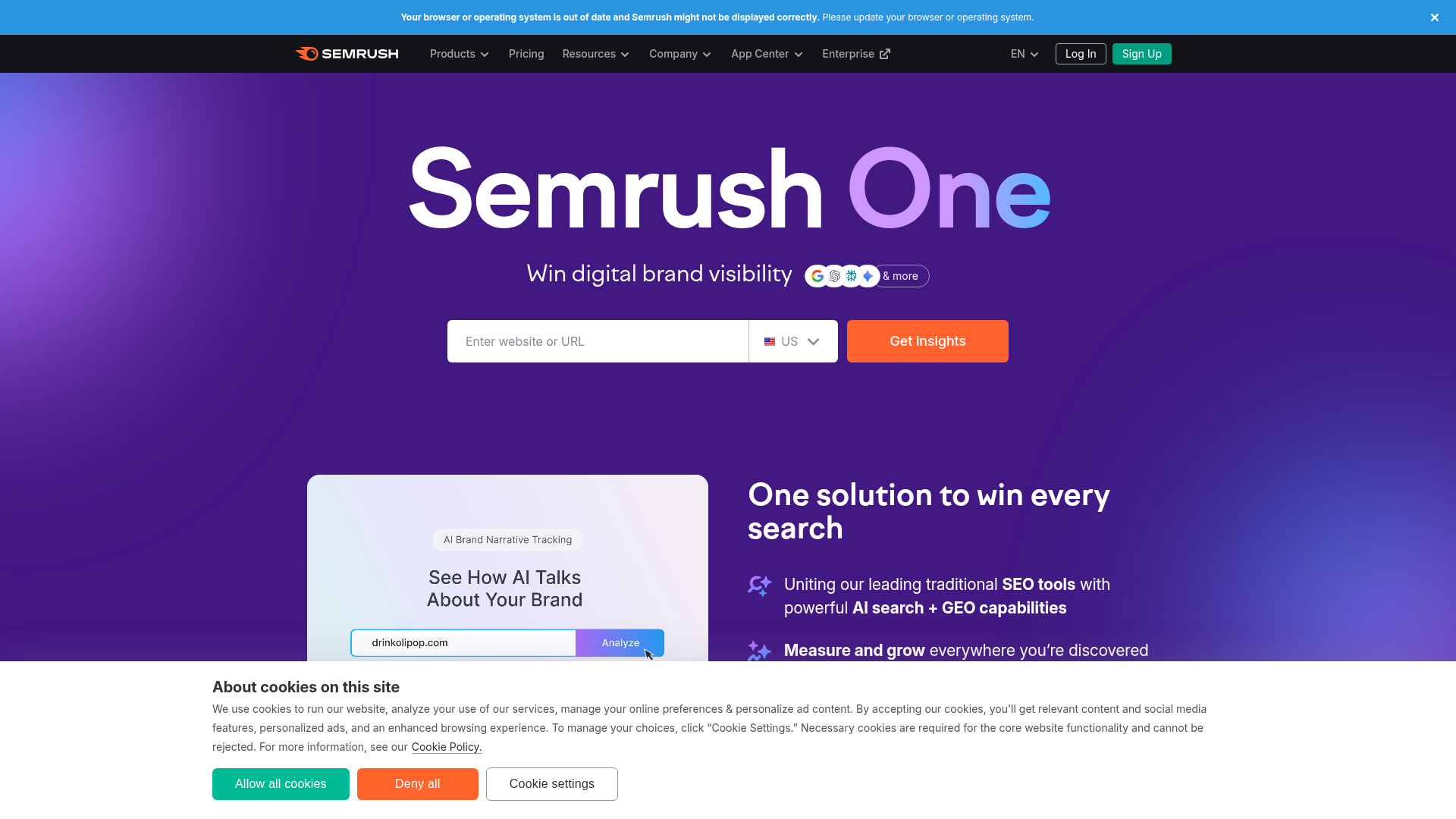
Semrush is the industry-standard all-in-one SEO platform. Its My Reports feature lets you build branded PDF reports from any Semrush data: keyword rankings, site audit results, backlink metrics, competitive analysis, and traffic data: all in one tool.
Key strengths
- Data + reporting in one subscription: No need to pay for separate data sources. Semrush generates the SEO data AND lets you report on it
- My Reports builder: Drag-and-drop report builder with Semrush widgets, custom text, and branding
- Broadest SEO coverage: Keyword research (26B keywords), rank tracking, site audit, backlink analysis, content optimization, and competitive intelligence. See our full Semrush review
- White-label PDF reports: Available on Guru ($249/mo) and Business ($499/mo) plans
- Agency Growth Kit: CRM, lead generation, and client portal features for agencies
Limitations
- White-label reports require Guru plan ($249/mo): expensive just for reporting
- Report builder is functional but less polished than dedicated reporting tools like AgencyAnalytics
- Can only report on Semrush data: can't pull in social media, Google Ads, or other platform data natively
- Learning curve for teams that only need reporting, not the full SEO suite
Pricing: Pro $139/mo · Guru $249/mo (white-label) · Business $499/mo. Annual billing saves ~17%.
3. SE Ranking: Best affordable all-in-one with reporting
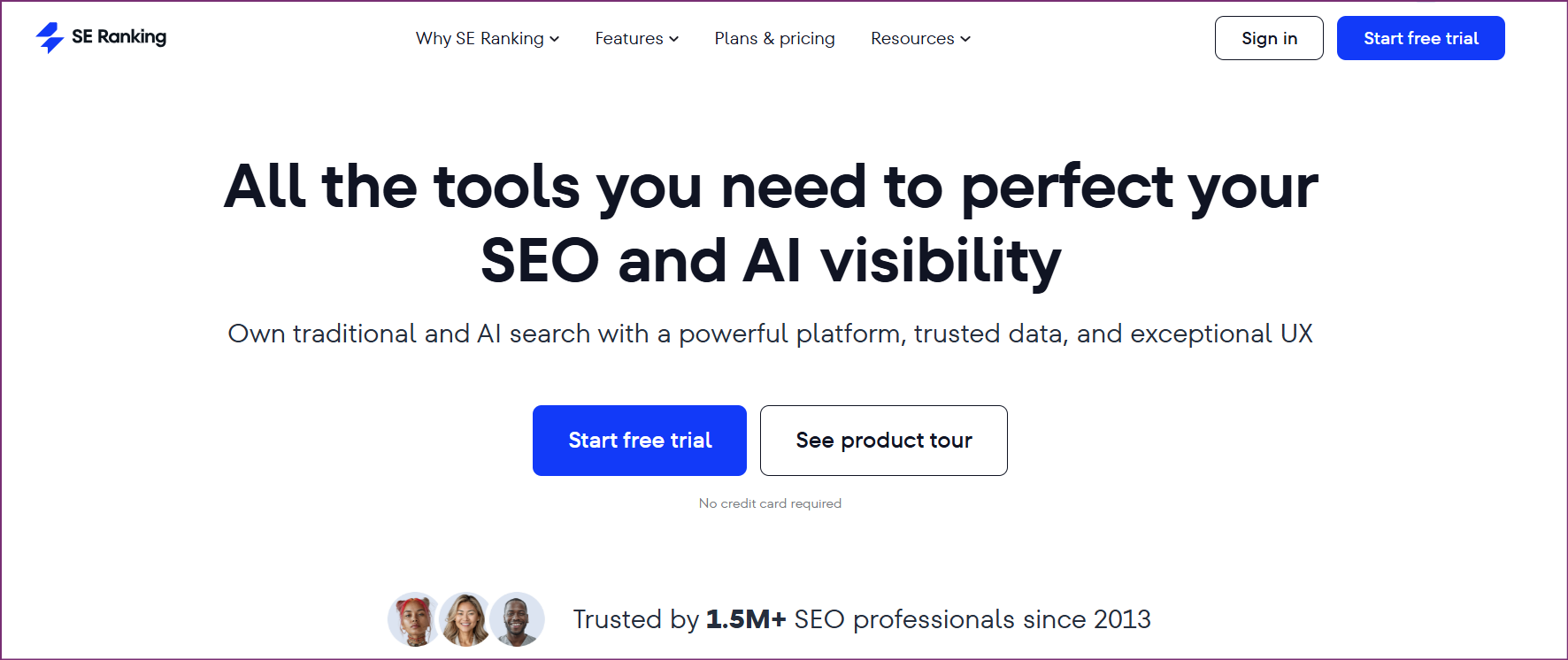
SE Ranking delivers roughly 80% of Semrush's functionality at less than half the price. Its reporting module includes white-label PDF reports, automated scheduling, and a drag-and-drop report builder: all available from the Pro plan at $119/month.
Key strengths
- Half the price of Semrush: White-label reports start at $119/month vs. $249/month for Semrush Guru
- Full SEO data suite: Rank tracking, site audit, keyword research, backlink analysis, content marketing tools, and competitive analysis
- Report builder: Customizable templates with your branding, automated scheduling, and client portal access
- Lead generator widget: Embed an SEO audit widget on your agency website that generates leads and auto-creates reports. See our SE Ranking review
Limitations
- Report builder is less flexible than dedicated tools, fewer template options and widget types
- Cannot integrate non-SE Ranking data (no Google Ads, social media, or third-party data pulls)
- Site audit is functional but not as deep as dedicated crawlers
- Fewer integrations than AgencyAnalytics
Pricing: Core $129/mo ($103.20 annual) · Growth $279/mo ($223.20 annual) · Enterprise custom · white-label via Agency Pack +$69/mo. 14-day free trial.
4. DashThis: Simplest reporting dashboards
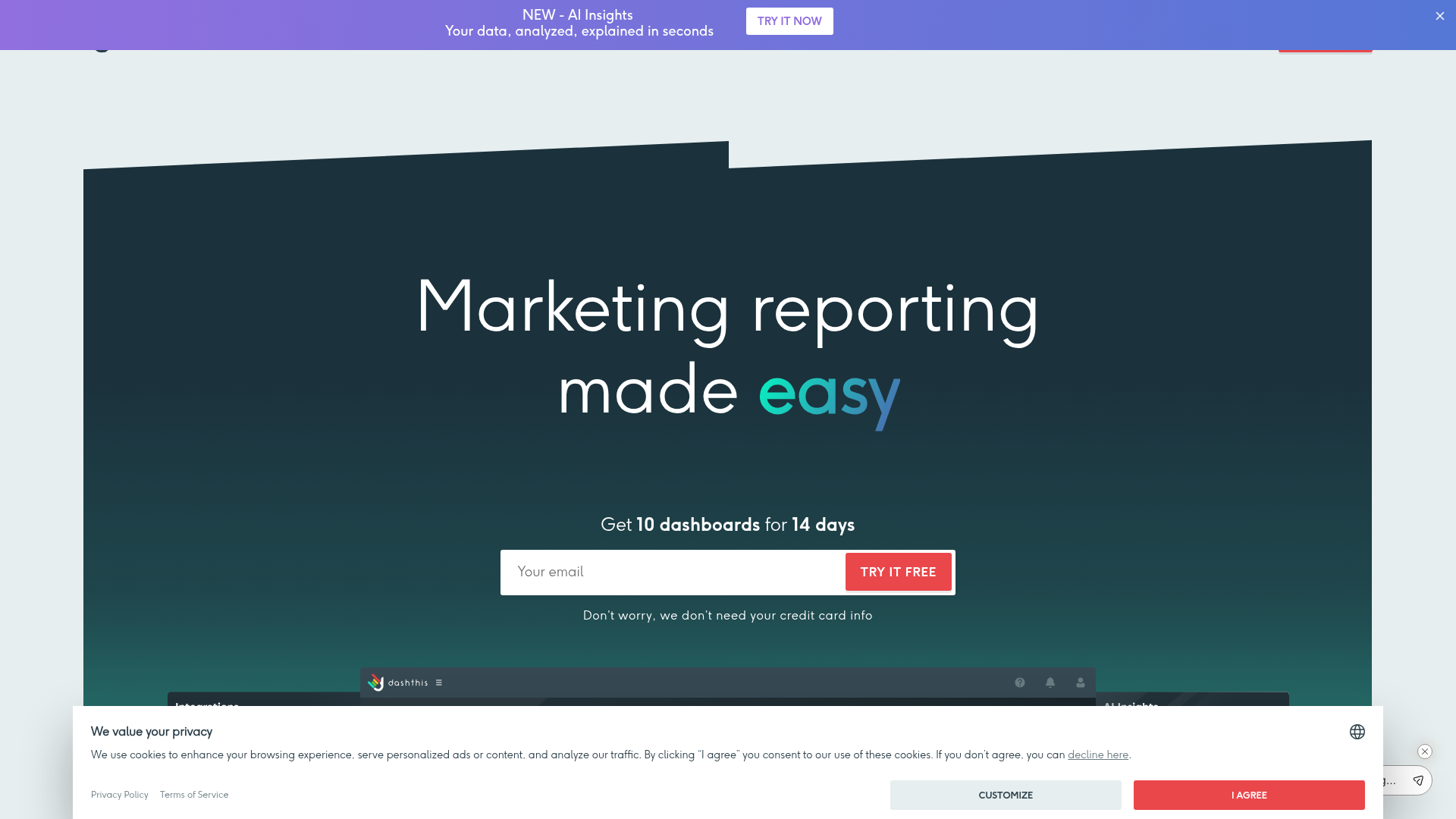
DashThis is the "keep it simple" option. It does one thing, automated marketing dashboards, and does it well. Every plan includes unlimited dashboards, white-labeling, and automated email delivery. No rank tracking, no site audits, no keyword research, just reporting.
Key strengths
- Unlimited dashboards on every plan: $49/month gets you unlimited dashboards (most competitors charge per dashboard or per client)
- Fastest setup: Connect data sources, pick a template, and you have a client-ready dashboard in minutes. Zero learning curve
- 34+ integrations: Google Analytics, Search Console, Semrush, Ahrefs, Moz, social platforms, PPC platforms, and more
- Clean, simple interface: No feature bloat. Ideal for agencies that want beautiful reports without complexity
- Custom widgets and calculations: Create calculated metrics and custom KPIs
Limitations
- No SEO data generation: you need a separate tool for rank tracking, keyword research, and site auditing
- Dashboard-focused (not PDF-focused): PDF exports exist but aren't as polished as AgencyAnalytics
- Fewer integrations than AgencyAnalytics (34 vs. 80+)
- Limited advanced customization for complex reporting needs
Pricing: Individual $49/mo (3 dashboards) · Professional $149/mo (10 dashboards) · Business $289/mo (25 dashboards). Unlimited dashboards per data source on all plans.
5. Whatagraph: Best for enterprise agency reporting
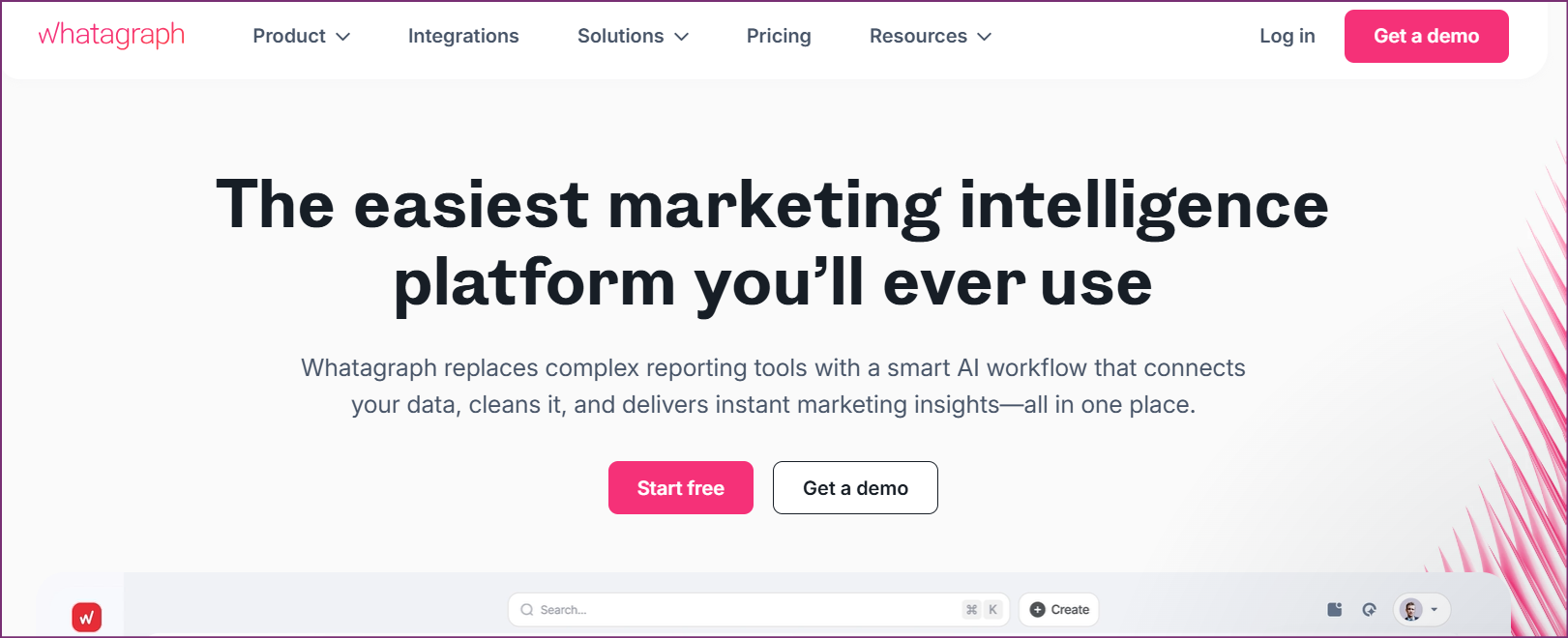
Whatagraph is a premium reporting platform built for agencies handling 20+ clients with complex, cross-channel reporting needs. It connects to 45+ data sources and includes a visual report builder, automated scheduling, and advanced data blending capabilities.
Key strengths
- Cross-channel data blending: Combine data from multiple sources into unified metrics (e.g., total conversions across Google Ads + Facebook + organic)
- Visual report builder: Highly customizable drag-and-drop interface with pixel-level control over layout
- Advanced white-labeling: Custom domain, URL slugs, email templates, and login portal
- Smart data organization: Group accounts, tag data sources, and create rollup reports across multiple clients
Limitations
- Expensive: Starts at $199/month for 5 data sources. Enterprise plans can exceed $500/month
- Overkill for small agencies (under 10 clients)
- Learning curve is steeper than DashThis due to advanced features
- No SEO data generation: purely a reporting and visualization layer
Pricing: Professional $199/mo (5 sources) · Premium $299/mo (20 sources) · Custom enterprise pricing.
6. Databox: Best for real-time dashboards and alerts
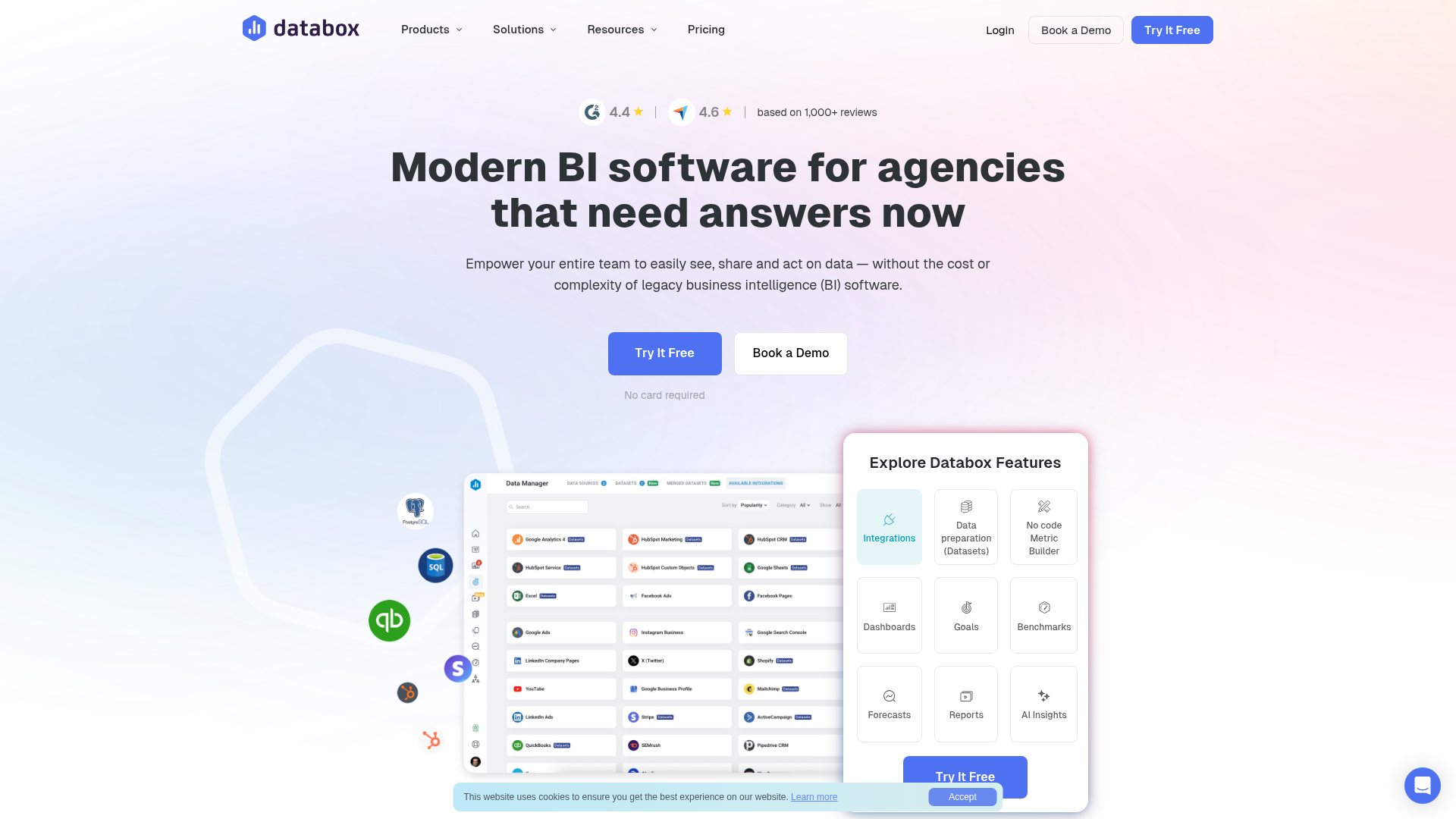
Databox differentiates from other reporting tools with real-time dashboards, performance alerts, and goal tracking. While AgencyAnalytics and DashThis focus on periodic client reports, Databox excels at continuous monitoring, showing you (and your clients) exactly how KPIs are trending right now.
Key strengths
- Real-time data syncing: Dashboards update in near-real-time, not daily or weekly like most reporting tools
- Performance alerts: Set thresholds for any metric and get notified when KPIs spike or drop
- Goal tracking: Set monthly/quarterly goals for organic traffic, keyword rankings, or any metric and track progress visually
- 100+ integrations: One of the broadest integration libraries (Google Analytics, GSC, HubSpot, Salesforce, social, PPC, and more)
- Free plan available: 3 data sources, 3 users, limited dashboards
Limitations
- White-labeling is limited compared to AgencyAnalytics or Whatagraph
- Better for internal monitoring than client-facing reports, PDF export is basic
- No SEO data generation
- Dashboard design is more data-dense than visual: less "pretty" for client presentations
Pricing: Free (3 sources) · Starter $59/mo · Professional $169/mo · Growth $399/mo. Annual billing saves 20%.
7. Google Looker Studio: Best free option
Google Looker Studio (formerly Google Data Studio) is the go-to free option for SEO reporting. It connects natively to Google Analytics, Search Console, Google Ads, and BigQuery, and supports third-party connectors for Semrush, Ahrefs, Moz, and hundreds of other data sources.
Key strengths
- Completely free: No limits on dashboards, data sources, or users
- Native Google integrations: First-party access to GA4, GSC, and Google Ads data with zero configuration
- Highly customizable: Full control over layout, charts, calculated fields, and interactive filters
- Community templates: Hundreds of free SEO dashboard templates available online
- Shareable links: Send clients a live dashboard URL (no PDF export needed)
Limitations
- No white-labeling: Google branding is visible and cannot be removed
- No automated email reports: You can schedule email delivery but with limited customization
- Steep learning curve: Building custom dashboards requires understanding data sources, calculated fields, and visualization best practices
- Data reliability issues: Reddit users consistently report data sampling, latency, and occasional breakage in third-party connectors
- No built-in SEO data: You need third-party connectors (often paid) to pull non-Google data
Pricing: Free. Third-party connectors (Supermetrics, Funnel, etc.) typically cost $20–100/month per source.
8. Ahrefs: Best for backlink and keyword data
Ahrefs is not a reporting tool. It's a data powerhouse. But many agencies use Ahrefs as their primary data source and export its metrics into reporting dashboards. Ahrefs has the largest backlink index (35T+ links), strong keyword data, and a built-in rank tracker.
Key strengths
- Industry-leading backlink data: Largest link index, most accurate DR/UR metrics, comprehensive referring domain analysis
- Strong keyword data: Accurate search volumes, keyword difficulty scores, and SERP feature tracking
- Rank tracker with reports: Built-in rank tracker that can email ranking reports on a schedule
- Site audit: Basic technical audit that feeds into reports (for deeper audits, see our technical audit guide)
Limitations
- No white-labeling: Reports carry Ahrefs branding. Cannot be customized for client delivery
- Report building is limited: you can share specific views but cannot build custom dashboards
- Credit-based pricing means heavy reporting usage burns through your allocation
- No cross-channel reporting: Ahrefs only reports on its own data (no Google Ads, social, etc.)
Pricing: Starter $29/mo (limited) · Lite $129/mo · Standard $249/mo · Advanced $449/mo.
9. CrawlRaven: Best for technical SEO audit reports
Most SEO reporting tools cover traffic, rankings, and backlinks, but none of them generate the technical audit reports that clients need to understand their site's health. CrawlRaven fills this gap with automated audit reports covering 200+ technical checks, weighted health scores, and prioritized fix recommendations.
Key strengths
- 200+ automated SEO checks: Crawlability, Core Web Vitals, schema validation, internal linking, content quality, and AI search readiness
- Weighted health scoring: Composite score across 8 categories with category-level breakdowns (see our audit report template for the scoring framework)
- Prioritized action plans: Every issue scored on impact × effort with P0–P3 priorities
- White-label PDF reports: Full branding customization. Reports look like they come from your agency
- AI search readiness: The only audit tool that checks LLM citation signals and AI Overview eligibility
Limitations
- Focused on technical SEO audits: does not cover rank tracking, keyword research, or traffic reporting
- Not a dashboard tool: generates PDF reports, not interactive dashboards
- Designed to complement reporting dashboards (AgencyAnalytics, DashThis), not replace them
Pricing: Free plan (1 website); lifetime licenses from a one-time $49. See plans.
Video: How to save on SEO reporting
For a walkthrough of building an SEO reporting stack on a budget, this video covers practical approaches to automating client reports without expensive tools:
What agencies actually use (Reddit consensus)
We analyzed multiple Reddit threads on r/SEO and r/bigseo to find what agencies actually use for reporting. Here's the consensus:
| Tool | Reddit Sentiment | Common Take |
|---|---|---|
| AgencyAnalytics | Most recommended | "The only tool built for agencies. White-labeling is unmatched." |
| Looker Studio | Recommended (with caveats) | "Free and powerful, but unreliable data connectors and ugly default styling." |
| DashThis | Positive | "Unlimited dashboards, dead simple. Best for agencies that want zero complexity." |
| SE Ranking | Positive | "Best budget option if you need data + reporting in one tool." |
| Whatagraph | Mixed | "Beautiful reports, but too expensive for what it does." |
| Semrush | Positive | "My Reports is good enough if you already pay for Semrush." |
| Ahrefs | Neutral | "Great data, terrible reporting. Export to something else." |
The biggest Reddit pain point: no single tool elegantly pulls data from 5+ sources into one beautiful, automated, white-labeled client report without costing a fortune or requiring heavy setup. The practical solution most agencies land on is combining a data source (Semrush or Ahrefs) with a reporting layer (AgencyAnalytics or DashThis).
Recommended tool stacks by use case
Most agencies need at least two tools: one for generating SEO data and one for presenting it to clients. Here are the stacks that deliver the best coverage at each budget level:
| Use Case | Data Source | Reporting Layer | Technical Audit | Total |
|---|---|---|---|---|
| Solo freelancer | SE Ranking ($129) | Built-in reports | CrawlRaven ($49 at launch) | $129/mo + $49 at launch |
| Small agency (5–10 clients) | Semrush ($139) | DashThis ($49) | CrawlRaven ($99 at launch) | $188/mo + $99 at launch |
| Mid agency (10–25 clients) | Semrush ($139) | AgencyAnalytics ($179) | CrawlRaven ($99 at launch) | $318/mo + $99 at launch |
| Large agency (25+ clients) | Ahrefs ($249) | Whatagraph ($299) | CrawlRaven ($99 at launch) | $548/mo + $99 at launch |
| Budget / bootstrapped | GSC + GA (free) | Looker Studio (free) | CrawlRaven ($49 at launch) | $49 at launch |
Every stack above assumes the data source tracks ranks well enough to report on. When it does not, you add a dedicated tracker, and that market has two ends. At the agency end, Advanced Web Ranking starts at $139/month with client-ready exports, and SEOmonitor starts at €99/month, where the forecast is the product.
At the budget end, the prices look impossible until you read what a plan counts:
- SERProbot: rank checks from $4.99/month, and honest about where they stop.
- SpySERP: from $9/month, where $9 buys 5,000 checks, not 5,000 keywords.
- SerpWatch: $49/month behind a 4.6 AppSumo average whose recent reviews say the daily checks are not daily.
What to include in SEO client reports
The best reporting software is useless if you're reporting on the wrong metrics. Based on what successful agencies include, here are the must-have sections for any SEO client report:
- Executive summary: Traffic trend, top 3 wins this period, key action items. One paragraph that a CEO can read in 30 seconds
- Organic traffic and conversions: Sessions, goal completions, revenue (if ecommerce). Compare to previous period and year-over-year
- Keyword rankings: Total keywords tracked, movement summary (gained/lost/new), top 10 movers, featured snippet wins
- Technical health score: Site audit score with trend. Critical issues found and fixed this period. This is where CrawlRaven's audit reports complement traffic dashboards
- Backlink growth: New referring domains, link quality metrics, competitor comparison
- Content performance: Pages published, traffic to new content, content optimization improvements
- Next period plan: What you'll work on next and why. This is what justifies the retainer
For a deeper dive on structuring reports for different audiences, see our SEO client report template and free SEO report template guides.
The emerging category: AI search reporting
In 2026, clients are starting to ask: "How do we show up in ChatGPT and Google AI Overviews?" Traditional SEO reporting tools don't cover this. They track Google organic, not AI-generated citations.
A new category of tools is emerging to fill this gap. CrawlRaven includes AI search readiness checks in its audit reports, and dedicated AI visibility tools like Otterly, Profound, and Scrunch AI track brand mentions across LLM-generated responses. For a full comparison, see our 14 Best AI Visibility Tools guide.
Forward-thinking agencies are adding an "AI Search Visibility" section to client reports: tracking which queries trigger AI Overviews, whether the client is cited, and what content patterns earn LLM citations. This differentiates your agency from competitors still running 2020-era reporting.
Every tool here is buying you the same last mile: a document someone will read. The free SEO audit report generator produces that document from an audit, with your branding on the paid tier and no subscription on either.
How we evaluated these tools
We scored each tool across five dimensions relevant to SEO reporting:
- White-label quality: How completely can you remove third-party branding? Custom domain, logo, colors, email sender?
- Automation depth: Can reports be scheduled and auto-delivered? How much manual work remains?
- Data integrations: How many data sources can you connect? Are the connectors reliable?
- Ease of use: How quickly can a new team member create a client report?
- Value for money: What do you get per dollar at the plan most agencies would use?
Pricing was verified on each tool's website in April 2026. Reddit sentiment was aggregated from r/SEO, r/bigseo, and r/marketing threads from 2024–2026. For our detailed reviews of individual tools, see our Semrush review, Ahrefs review, and SE Ranking review.
Related reading
- Free SEO Report Template (Excel + Google Sheets)
- SEO Client Report Template for Agencies
- SEO Audit Report Template (Free Download)
- 7 Best White Label SEO Audit Tools for Agencies
- 7 Best Surfer SEO Alternatives
- 14 Best AI Visibility Tools in 2026
- How to Perform a Technical SEO Audit
- How Much Does an SEO Audit Cost?
- PageRangers Review 2026: a German suite that bundles reporting into a €50 base
- SEOTesting Review: writes a monthly executive summary that correlates traffic shifts with your own logged changes, from $50/month with unlimited users
- Seodity Review: scheduled reports start on the middle plan, and no white-label option is advertised at any tier
Frequently asked questions
What is the best SEO reporting tool for agencies?
AgencyAnalytics is the most recommended SEO reporting tool for agencies, with 80+ integrations, white-label branding (custom domain, logo, email sender), automated report scheduling, and per-client dashboards. Pricing starts at $79/month for 5 clients. For agencies already paying for Semrush, its My Reports feature may be sufficient without adding a separate tool.
What is the best free SEO reporting tool?
Google Looker Studio (formerly Google Data Studio) is the best free SEO reporting tool. It connects natively to Google Analytics, Search Console, and Google Ads with unlimited dashboards and users. The main limitations are no white-labeling, no automated email reports, and a steep learning curve. Third-party connectors for Semrush/Ahrefs data typically cost $20–100/month extra.
How much does SEO reporting software cost?
SEO reporting software ranges from free (Google Looker Studio) to $500+/month (enterprise tiers). Budget picks: DashThis at $49/month for simple dashboards, SE Ranking at $129/month for all-in-one SEO with reporting, CrawlRaven (from $49 at launch one-time) for technical audit reports. Mid-range: AgencyAnalytics at $79–179/month, Semrush at $139–249/month. Premium: Whatagraph at $199–299/month.
Can Semrush replace a dedicated SEO reporting tool?
Semrush's My Reports feature can partially replace a dedicated reporting tool if you only need to report on Semrush data (keyword rankings, site audit, backlinks, traffic). However, it cannot pull in Google Ads, social media, or other platform data. White-label reports require the Guru plan at $249/month. For agencies needing cross-channel reporting, a dedicated tool like AgencyAnalytics or DashThis is more efficient.
What should an SEO client report include?
An effective SEO client report should include 7 sections: executive summary (traffic trend + top 3 wins), organic traffic and conversions (with period comparison), keyword ranking movements, technical health score (from audit tools like CrawlRaven), backlink growth metrics, content performance, and a next-period action plan. The executive summary is the most important section, many stakeholders only read this.
What is the difference between SEO reporting tools and SEO platforms?
SEO platforms (Semrush, Ahrefs, SE Ranking) generate SEO data. They crawl sites, track keywords, analyze backlinks, and perform audits. SEO reporting tools (AgencyAnalytics, DashThis, Whatagraph) present that data in client-facing formats. They pull data from SEO platforms and other sources into branded dashboards and PDF reports. Most agencies need both: a data source and a reporting layer.
Which SEO reporting tool has the best white-labeling?
AgencyAnalytics has the most comprehensive white-labeling: custom domain, logo, brand colors, email sender, and client login portal. Whatagraph is a close second with custom URL slugs and advanced branding. DashThis offers good white-labeling on all plans. CrawlRaven provides full white-label PDF audit reports. Semrush white-label requires the Guru plan ($249/month). Ahrefs and Looker Studio do not offer white-labeling.
How do I automate SEO reporting for clients?
The fastest way to automate SEO reporting: (1) Choose a reporting tool with automated scheduling (AgencyAnalytics, DashThis, or Whatagraph), (2) Connect your data sources (Google Analytics, Search Console, rank tracker, audit tool), (3) Build a report template with your standard metrics and branding, (4) Schedule automated delivery (weekly or monthly email to each client). Initial setup takes 1–2 hours per client; after that, reports send automatically.
What's the best SEO reporting tool?
It depends on who reads the report. For agency client reports, AgencyAnalytics ($79/month) is the most complete. For a solo consultant or in-house marketer, DashThis ($49/month) or free Looker Studio covers it. If the report's job is to say what to fix rather than what happened, CrawlRaven generates the audit-driven version from your Search Console, GA4 and crawl data joined together.
Which software should I use for SEO reporting?
Pick by data source first. If your numbers live in Google products only, Looker Studio is free and native. If you also need rank tracking and backlink data in the same report, an all-in-one like Semrush or SE Ranking avoids connector fees. If you report to clients under your own brand, a dedicated dashboard tool (AgencyAnalytics, DashThis, Whatagraph) is built for exactly that.
Which SEO ranking report software is easiest?
DashThis is the easiest dedicated option: preset templates, drag-in widgets, and a fixed monthly price at $49. Looker Studio is free but noticeably harder, since you assemble every chart yourself. Among all-in-one platforms, SE Ranking's report builder is simpler than Semrush's My Reports. Easiest of all is any tool whose report you never build, which is what automated audit reports from CrawlRaven are for.
What are the best SEO ranking reporting tools?
For ranking data specifically, a dedicated rank tracker feeding a reporting layer beats an all-in-one, because trackers check positions more often and at lower cost per keyword. Pair one with a dashboard tool for client delivery. Remember that Search Console reports average position free, which covers the trend even when it cannot show daily per-keyword movement.
How can I generate SEO reports online?
Three routes. Connect Looker Studio to Search Console and GA4 for a free browser-based dashboard. Use a dedicated reporting tool if you need white-label delivery and scheduling. Or generate an audit report directly from a crawl, which is the right shape when the report needs to say what to fix rather than what happened.
What tool can I use to create an SEO dashboard?
Looker Studio is the default free answer, connecting natively to Search Console, GA4 and Google Ads with unlimited dashboards. Paid dashboard tools earn their fee on white-labeling, scheduled delivery and non-Google connectors. Judge them on which data sources you actually need rather than on chart variety.

15+ years of growing SaaS websites through SEO | Author, 200-Point Audit Checklist
Aditi has spent 15+ years helping SaaS companies scale organic traffic through technical SEO and content strategy. She is the author of the CrawlRaven 200-Point Audit checklist used by agencies and in-house teams to systematically improve search performance.